How to Use Ledger Nano X: Setup, Safety, and First Steps
Ledger Nano X is one of the most widely used hardware wallets for people who want stronger self-custody without relying on an exchange. But knowing how to use Ledger Nano X safely matters just as much as owning the device. This guide explains the first setup steps, what to check before you start, and how to avoid the mistakes that cause the most problems for new users.
Quick Answer
To use Ledger Nano X safely, buy from a trusted source, initialize the device yourself, generate a fresh recovery phrase during setup, store that phrase offline, and approve transactions only after checking details on the device screen. Most problems come from rushing setup, trusting fake apps, or mishandling the recovery phrase.
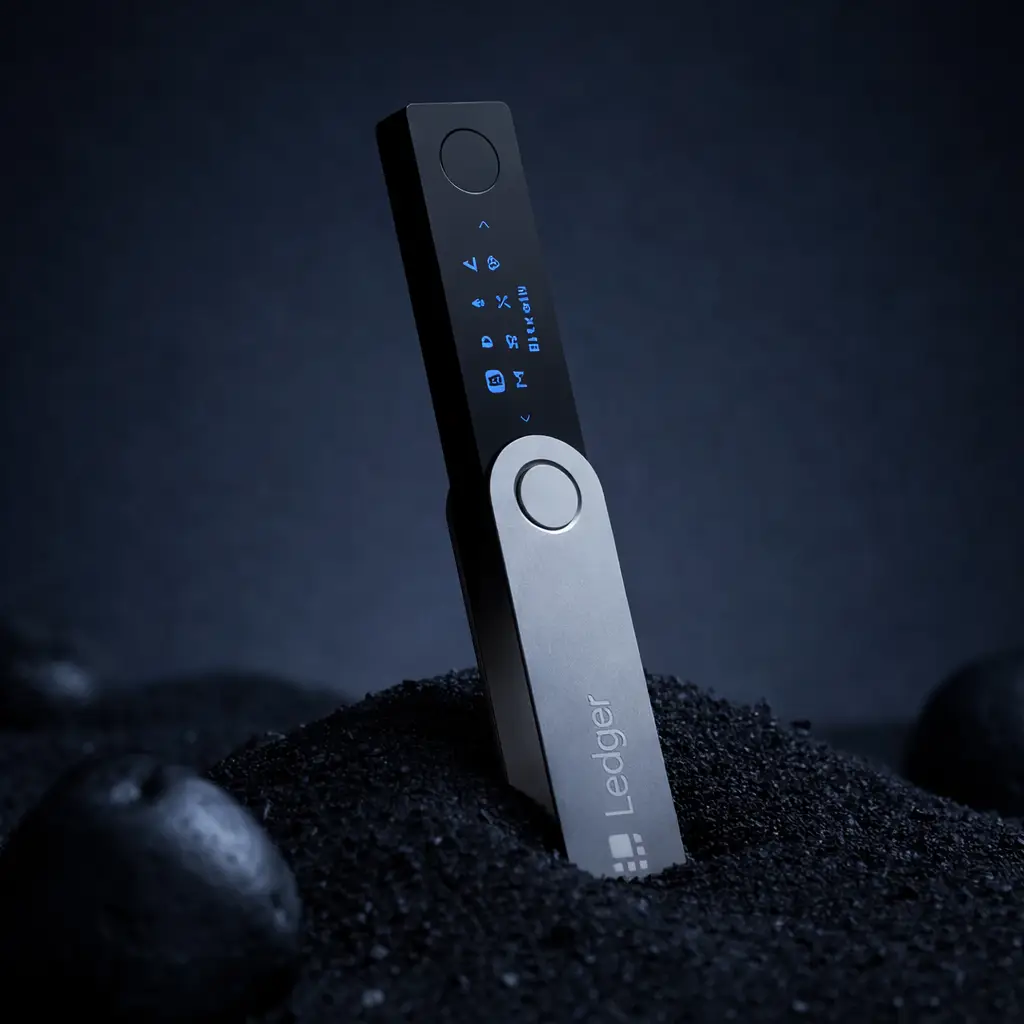
Why People Use Ledger Nano X
- Private keys stay separated from the computer
- Good fit for mobile and desktop workflows
- Useful for buyers moving assets off exchanges
Where New Users Go Wrong
- Trusting fake apps or fake support links
- Handling the recovery phrase badly
- Rushing setup without understanding the security steps
What to Check Before Using Ledger Nano X
The safest setup begins before the device is even turned on.
Before using Ledger Nano X, make sure the device came from a trusted source and that nothing about the packaging or setup materials looks suspicious. A hardware wallet should be initialized by you, not by a seller or previous owner.
If you have not bought the device yet, read Where to Buy Ledger Nano X Safely before ordering.
You should also be ready to create and store a recovery phrase safely. That phrase is the backup to your funds. If you expose it, the device itself will not save you.
For the backup side of the process, read Ledger Recovery Phrase Safety.
How to Set Up Ledger Nano X Safely
This is the simplest safe setup flow for most new users.
1. Initialize the Device Yourself
Turn on Ledger Nano X and start from a clean setup. Do not trust any device that appears pre-configured or comes with setup shortcuts already prepared.
2. Create a Fresh Recovery Phrase
The recovery phrase should be generated during your setup process, not provided to you inside the box. Write it down offline and keep it private.
3. Install Official Wallet Software
Download the wallet software only from official Ledger sources. Do not trust random links from emails, search ads, or fake support messages.
Ledger Nano X Setup Checklist
Use this checklist to reduce avoidable mistakes during the first setup.
- Confirm the device is being initialized by you from scratch
- Create a fresh recovery phrase during setup
- Store the recovery phrase offline, not in notes or screenshots
- Use official wallet software only
- Read the device screen carefully before approving anything
How to Receive and Send Crypto with Ledger Nano X
Most users care about two practical actions: receiving funds and sending them safely.
Receiving Crypto
When receiving crypto, verify the address through the wallet flow carefully and make sure you are using the correct network. The main goal is to avoid copying the wrong address or trusting a fake interface.
Sending Crypto
When sending crypto, always check the transaction details on the device screen before approving. This matters because the hardware wallet is meant to give you a final, trusted confirmation step.
Why the On-Device Confirmation Step Is So Important
One of the biggest reasons to use Ledger Nano X is that it separates transaction approval from the computer. If your computer is compromised, the device screen still gives you a final chance to verify what is actually being approved.
That is why reading the Ledger Nano X screen carefully matters. Users sometimes click through too quickly and treat the device like a formality. The device confirmation step is one of the main security benefits of the wallet.
How to Think About Bluetooth on Ledger Nano X
Many new users worry about Bluetooth because it sounds like an extra risk. In practice, Bluetooth is usually not the main danger most Ledger Nano X users should focus on.
The bigger risks are phishing, fake apps, bad purchase sources, and poor recovery phrase handling. If you want the wider safety analysis, read Is Ledger Safe?.
Common Mistakes When Using Ledger Nano X
Most user problems come from a few repeated habits.
Storing the Recovery Phrase Digitally
Saving the phrase in cloud notes, screenshots, email drafts, or password apps creates risk that defeats the point of using a hardware wallet.
Trusting Unofficial Links
Fake support pages and unofficial downloads remain one of the most common threats to hardware wallet users.
Ignoring Setup Warnings
Users often rush setup because they want to move funds quickly. That is exactly when avoidable errors happen.
What If Ledger Nano X Is Not Connecting?
Connection issues do happen, especially when users are new to the device or switching between phone and desktop workflows. Most of these problems are operational rather than signs that the wallet is unsafe.
If you run into connection issues, continue to Ledger Not Connecting for a dedicated troubleshooting guide.
Who Should Use Ledger Nano X?
Good Fit For
- Users moving crypto off exchanges
- Buyers who want a classic Ledger experience
- People who want a mobile-friendly hardware wallet
- Users who are willing to learn proper backup discipline
Less Ideal For
- Users who do not want self-custody responsibility
- People unwilling to manage recovery phrases safely
- Buyers who want the most modern Ledger interface instead of the classic Nano format
- Anyone likely to ignore verification steps during setup or transactions
What Matters More Than Learning the Buttons
- Buying from a trusted source
- Creating your own recovery phrase
- Keeping the recovery phrase offline and private
- Using official wallet software only
- Checking transaction details on the device screen
The real goal is not just learning how to click through setup. It is learning how to use Ledger Nano X in a way that preserves the security advantages of self-custody.
How to Use Ledger Nano X FAQ
How do I set up Ledger Nano X safely?
Initialize the device yourself, generate a fresh recovery phrase during setup, store it offline, and install wallet software only from official sources.
What is the most important step when using Ledger Nano X?
Protecting the recovery phrase is the most important long-term step. If someone gets that phrase, they can control the funds regardless of the device.
Can I use Ledger Nano X with a phone?
Yes. Ledger Nano X is often chosen specifically by users who want a more mobile-friendly hardware wallet experience.
What should I do if Ledger Nano X is not connecting?
Many connection issues are setup or workflow problems rather than serious hardware issues. Use Ledger Not Connecting as the next troubleshooting step.
Is Ledger Nano X safe for beginners?
Yes, if the beginner is willing to learn recovery phrase responsibility and follow setup carefully instead of rushing through the process.
Our Final Verdict
Ledger Nano X can be straightforward to use once the setup basics are understood, but the real value comes from using it correctly rather than casually. The most important parts are safe buying, proper recovery phrase handling, and careful on-device verification.
If you treat setup and backup seriously, Ledger Nano X remains one of the most practical hardware wallet options for users who want stronger self-custody with a familiar and mobile-friendly workflow.