How to Install, Remove, and Reinstall Apps on Ledger
How to install, remove, and reinstall apps on Ledger is one of the most practical parts of using the device well. It also causes a lot of unnecessary fear. Many users see an uninstall button and assume it could erase access to their funds. In most normal cases, that is not what is happening. This guide explains what Ledger apps really do, when removing one is harmless, when reinstalling one is useful, and what to check if an account does not appear afterward.
Quick Answer
To install, remove, and reinstall apps on Ledger safely, use the official Ledger app management flow, understand that device apps and portfolio accounts are not the same thing, and make sure you know whether you are only managing storage or trying to recover a missing wallet view. In normal use, uninstalling a Ledger app does not erase your crypto. It removes the app from the device, while the wallet’s core access still depends on the private keys secured by the device and the recovery phrase.
Why This Matters
- It helps users manage limited device storage without panic
- It explains why removing an app is often normal, not dangerous
- It makes it easier to understand missing-account situations later
Where Users Get It Wrong
- Confusing device apps with portfolio accounts
- Thinking uninstalling an app deletes crypto assets
- Reinstalling apps blindly when the real issue is restore, connection, or the wrong wallet context
What to Understand Before Managing Apps on Ledger
The safest app management starts when you stop treating apps and wallets as the same thing.
On a Ledger device, a blockchain app lets the device work with a specific network. That does not mean the app itself is where your crypto “lives.” This is why app removal feels more dangerous than it usually is. Users often imagine the app is the wallet, when in practice it is part of the device workflow rather than the underlying source of ownership.
If you are still at the beginning of the setup path, read How to Use Ledger Nano X first so the app-management step fits into the bigger picture.
You should also know the difference between a device app and an account shown inside Ledger Live. Those are connected but not identical. It is possible to reinstall an app and still not see an account until you rebuild the account view properly.
Pair this page with How to Add Accounts in Ledger Live the Right Way if you want the cleanest understanding of what comes after the app is back on the device.
What a Ledger App Is and What It Is Not
This is the part that removes most of the fear.
A Ledger App Helps the Device Work with a Specific Network
A device app enables Ledger to manage a specific blockchain context, such as Bitcoin, Ethereum, or another supported network. It is part of the device toolset, not a cloud vault holding your funds.
It Is Not the Same as the Account View in the App Interface
Users often install the app on the Ledger and expect the related account to appear automatically in Ledger Live. Sometimes that happens smoothly, but often you still need to add the account back into the interface.
Removing the App Usually Does Not Remove the Wallet
In normal use, removing a blockchain app from the device is a storage and workflow action. It does not automatically erase the wallet itself or the assets already associated with that wallet.
How to Install Apps on Ledger the Right Way
A clean install starts with the official management flow, not random shortcuts.
1. Start from the Official Ledger App Environment
Use the official Ledger management path rather than third-party tools or copied support links. A clean install is easier to trust and easier to troubleshoot later.
2. Unlock the Device and Let It Reach the Correct State
Before you try to install anything, make sure the Ledger is unlocked normally and ready for app management. If the device is not in a stable state, installation problems can look worse than they really are.
3. Install Only the Apps You Actually Need
It is tempting to load many apps at once, but that often creates clutter and storage pressure. A cleaner approach is to install what you currently use and add others later when needed.
How to Remove Apps on Ledger Without Panicking
This is the step most people fear more than they need to.
Removing an App Can Be Normal
App removal is often just a storage-management choice, especially on devices where space is limited. Many users uninstall one app temporarily so they can install another and continue using the same Ledger safely.
What Removal Should Not Mean
Removing a device app should not be confused with deleting the wallet itself or moving coins off-chain. The bigger risk is not the uninstall button. The bigger risk is misunderstanding what problem you are actually solving.
Why Some Ledger Users Need to Uninstall Apps More Often
In some real-world setups, storage space becomes the reason users remove apps at all. That is especially relevant when people manage several assets but do not have room to keep every blockchain app installed on the device at the same time.
The important mindset is this: storage pressure is inconvenient, but it is not the same as wallet loss. If the wallet setup and recovery phrase are still correct, uninstalling an app for space reasons is usually a routine action rather than a crisis.
How to Reinstall Apps on Ledger Safely
Reinstalling helps when you are returning to an asset, refreshing a broken app state, or rebuilding a restored device.
1. Reinstall for a Clear Reason
Reinstall because you need the app again, because storage had forced you to remove it earlier, or because you are rebuilding the device after a normal restore or update path. Do not use reinstall as a random cure for every Ledger problem.
2. Reinstall the App, Then Rebuild the Account View if Needed
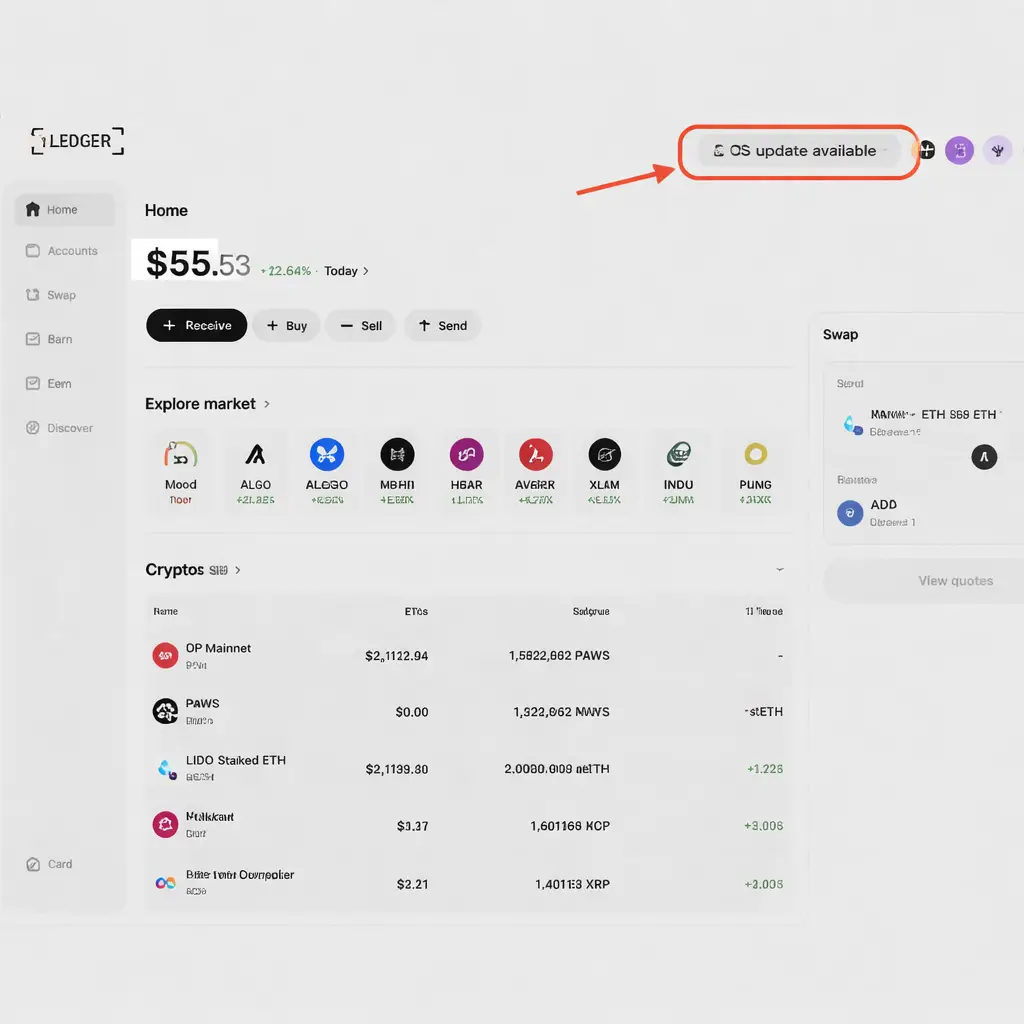
After the app is back on the device, you may still need to add the account back into Ledger Live. Reinstalling the app and seeing the account in the sidebar are related steps, but they are not always the same moment.
3. Check the Wallet Context If Something Still Looks Missing
If reinstalling the app does not bring the expected account view back, pause before assuming loss. The real issue may be the wrong restored wallet, the wrong device, or the need to manually re-add accounts.
Ledger App Management Checklist
Use this checklist before treating app changes like an emergency.
- Use the official Ledger app-management flow only
- Understand that apps and accounts are not the same thing
- Remove apps for storage or workflow reasons, not out of panic
- Reinstall apps before expecting related accounts to show again
- Check the recovery phrase and wallet context if accounts still look wrong
Why a Reinstalled App Does Not Always Mean the Account Will Show Instantly
This is one of the most common misunderstandings. Users reinstall the blockchain app and expect the portfolio view to rebuild by itself. Sometimes it does. Sometimes it does not. In many cases, the next correct step is to add the account back manually in Ledger Live.
Go to How to Add Accounts in Ledger Live the Right Way if the app is installed but the account list still looks incomplete.
What If Reinstalling the App Still Does Not Fix the Problem?
If reinstalling the app still leaves you with a missing account, no detection, or broken communication, the real issue may not be app storage at all. It may be a connection problem, a restore mismatch, or the wrong wallet context on the device.
Use Ledger Not Connecting if the device and app environment are not talking to each other properly.
When App Reinstall Will Not Bring an Old Wallet Back
Reinstalling a blockchain app is not the same thing as restoring a wallet. If the device was reset, initialized as a different wallet, or restored with the wrong recovery phrase, reinstalling the app alone will not bring the old wallet back into view.
If the real problem started after a reset or lost-device situation, continue with How to Reset a Ledger Device Safely or Lost Ledger but Have Recovery Phrase? instead of looping through app reinstalls.
Common Mistakes When Managing Apps on Ledger
Most problems come from confusing layers of the Ledger workflow.
Thinking Uninstalling an App Deletes Crypto
This is the biggest fear and the most common misunderstanding. In normal use, removing a device app is not the same as deleting the underlying wallet or assets.
Reinstalling Blindly Instead of Diagnosing the Real Issue
If the real issue is restore context, cable quality, Bluetooth pairing, or device detection, app reinstall alone may not solve anything.
Ignoring the Difference Between Apps and Accounts
Users often reinstall the app and stop there, then assume something is broken because the account is still missing. In many cases, the missing step is the account view rebuild.
Who This Ledger App Guide Is Best For
Best Fit For
- Users running into device storage limits
- People afraid to uninstall a blockchain app
- Readers reinstalling apps after restore, migration, or routine use
- Users who want to understand the difference between device apps and accounts
Less Useful For
- Users still choosing whether to buy a Ledger
- People whose main problem is a forgotten PIN
- Cases where the recovery phrase may already be exposed online
- Readers who only need the initial Ledger Live download path
How to Install, Remove, and Reinstall Apps on Ledger FAQ
Does removing an app from Ledger delete my crypto?
In normal use, no. Removing the app from the device is not the same as deleting the wallet or the assets linked to it.
Why would I need to uninstall an app from Ledger?
Most often, users uninstall an app to free up storage or because they do not need that network on the device at the moment.
What should I do after reinstalling an app on Ledger?
After reinstalling the app, you may still need to add the related account back into Ledger Live if the portfolio view does not rebuild automatically.
Why is the app back on my Ledger but the account is still missing?
Because device apps and Ledger Live accounts are not the same layer. The app may be installed correctly while the account still needs to be added back manually or the wallet context may be different from what you expected.
Will reinstalling an app restore an old wallet by itself?
No. Reinstalling the app is not the same as restoring a wallet. If the device was reset or restored with the wrong recovery phrase, reinstalling the app alone will not bring the old wallet back.
Our Final Verdict
How to install, remove, and reinstall apps on Ledger becomes much less stressful once you understand what the apps actually do. In normal use, app management is usually a practical storage and workflow task, not a threat to your assets.
The safest approach is to stay inside the official Ledger environment, keep the difference between apps and accounts clear, and stop treating every reinstall as a recovery event. If something still looks wrong after the app is back, the next step is usually diagnosis, not panic.