How to Download and Install Ledger Live Safely
How to download and install Ledger Live safely sounds simple, but this is one of the easiest places for new users to make an avoidable mistake. Fake apps, fake support pages, unofficial links, and panic during setup can all push people toward risky decisions. This guide explains where to download Ledger Live safely, what to check before installing it, what the current official naming means, and what should happen next once the app is on your device.
Quick Answer
To download and install Ledger Live safely, use only Ledger’s official download path, make sure the app matches your device platform, avoid search-ad traps and random download sites, and never enter your recovery phrase into a website, popup, or fake support form during the process. The safe path is simple: official source, clean install, calm setup, and device-based verification.
Why the Download Path Matters
- It is often the first step in the whole Ledger setup flow
- Unofficial apps and fake pages can look convincing
- A clean install helps prevent avoidable setup confusion later
Where Users Get Into Trouble
- Clicking fake links from ads, messages, or copied support posts
- Mixing up official app setup with scam “recovery” prompts
- Rushing through installation without understanding what should happen next
What “Ledger Live” Means Right Now
The name is familiar, but the official wording has shifted.
Many users still search for Ledger Live, and that is the wording most people know. But the official Ledger materials now also use Ledger Wallet branding for the same app experience. That naming shift can confuse people during download, especially when they are trying to decide whether a page is official or fake.
For this page, the important point is simple: the safe download path still starts from official Ledger-owned pages, not from random third-party download sites, copied links, or support messages.
Before installing anything, make sure you are clear on your goal. Are you setting up a brand-new Ledger device, reconnecting an existing one, or just installing the app for portfolio access and account management? A calmer setup starts when you know what the app is supposed to do for you.
If you are still at the full beginner stage, read How to Use Ledger Nano X first so the install step fits into the bigger setup flow.
Where to Download Ledger Live Safely
The safest download decision is the one that removes guesswork.
Use the Official Ledger Download Path
The safest place to download Ledger Live is through official Ledger-owned pages. That matters because fake download portals are designed to look normal, especially for new users who only remember the product name and not the exact route.
Match the App to Your Platform
Make sure you are downloading the correct version for your device. Desktop and mobile flows are different, and installing the wrong thing or bouncing between platforms mid-setup can create confusion you do not need.
Avoid Random “Support” Links
Do not trust download links sent through direct messages, copied comments, forum replies, or urgent popups. A safe Ledger Live install never begins with pressure or secret instructions from strangers.
Ledger Live Download Checklist
Use this before you click install.
- Open the official Ledger download path only
- Choose the correct version for desktop or mobile
- Avoid ads, mirror sites, and copied support links
- Do not enter a recovery phrase during any download step
- Know whether you are setting up, reconnecting, or restoring
How to Install Ledger Live Safely
The safest install is a simple one done from a trusted source and a calm device state.
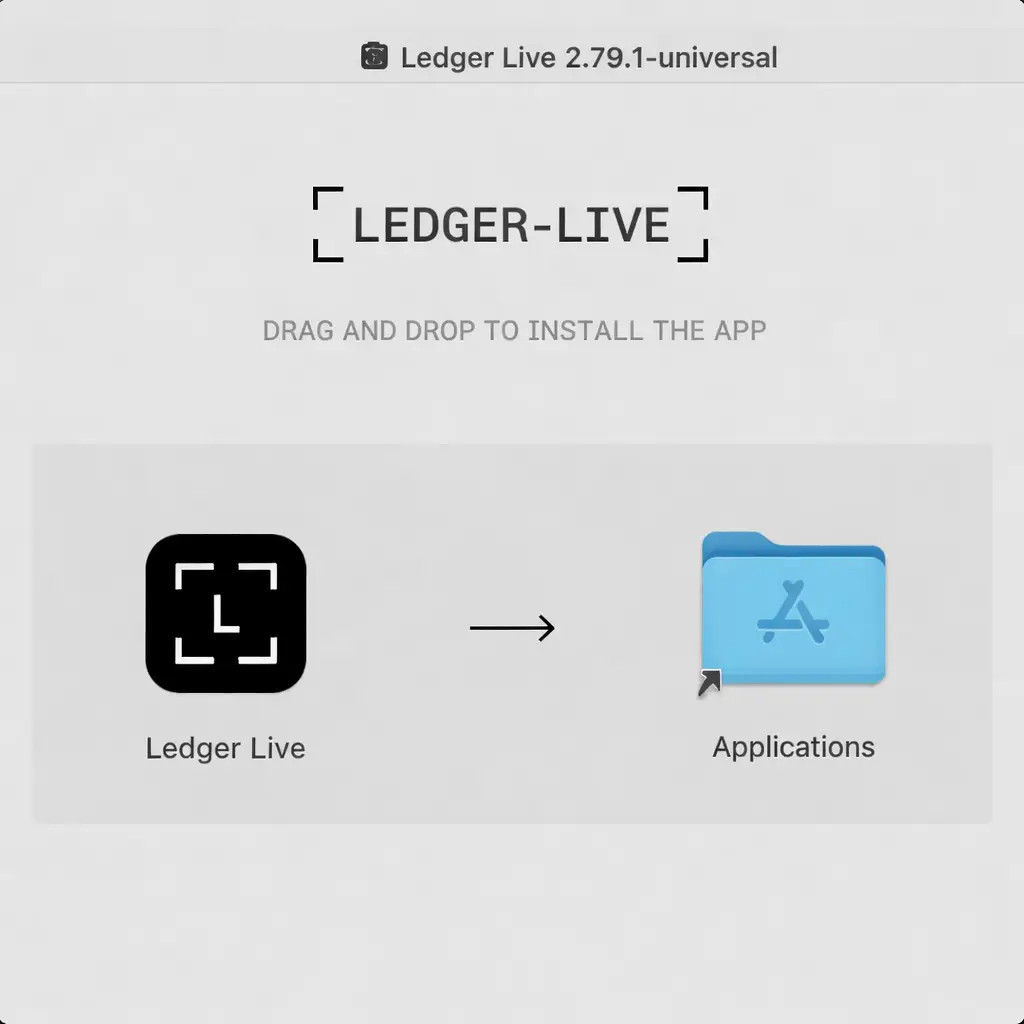
1. Download from the Correct Official Source
Start from the official Ledger path and select the version that matches your system. Do not search around for “faster” downloads or alternate hosts. The safest file is the one that comes from the intended source.
2. Install the App Without Mixing Random Tools Into the Flow
Keep the installation process clean. Do not add browser extensions, extra wallet tools, unofficial drivers, or random troubleshooting steps unless you actually need them later. A simple install is easier to verify and easier to troubleshoot.
3. Open the App and Follow the Real Setup Path
After installation, the app should guide you toward setup, connection, or account access depending on your situation. What should never happen is a website or popup demanding your recovery phrase as part of “verification.”
What Should Happen After Ledger Live Is Installed?
This is where people often confuse normal setup with dangerous prompts.
If You Are Setting Up a New Ledger
The next step is usually to begin the device setup flow, create a fresh recovery phrase on the device itself, and continue through the standard onboarding process. That phrase should be created by you during setup, not provided in advance and not typed into your computer.
If You Are Reconnecting an Existing Ledger
The next step is usually to connect the device, unlock it, and let the app help you rebuild the working interface. That may involve accounts, apps, updates, or normal verification steps, but it should still stay inside a calm, official workflow.
What Ledger Live Should Never Ask You to Do
The most important rule is this: downloading and installing Ledger Live safely should never require you to type your recovery phrase into a website, browser popup, email form, or chat message. If something in the install flow suddenly turns into “verify your wallet” by entering the phrase online, stop immediately.
If you want the full backup side explained clearly before you continue, read Ledger Recovery Phrase Safety.
Red Flags During Ledger Live Download or Installation
These are the moments where scam flows usually reveal themselves.
Recovery Phrase Request
A recovery phrase request during download, browser verification, or “security confirmation” is a major red flag. The app install process is not supposed to work that way.
Urgent Support Language
If a page tells you your wallet is at risk unless you act immediately, assume you may be looking at a scam flow rather than a normal install guide.
Unofficial Download Hosts
If the file is coming from somewhere that does not clearly belong to Ledger or the proper app store, that is enough reason to stop and restart from the official path.
What If Ledger Live Installs but the Device Is Not Connecting?
Sometimes the download and install are fine, but the next issue is connection. That can happen with USB, Bluetooth, permissions, firmware state, or app detection. In that case, the safer move is focused troubleshooting rather than reinstalling everything blindly.
Use Ledger Not Connecting if the app is installed but the hardware workflow is not behaving normally.
Common Mistakes When Installing Ledger Live
Most problems come from trusting the wrong source or misunderstanding what the app should do.
Using Unofficial Links
People often search quickly, click quickly, and assume the first result is fine. That is exactly why fake download flows keep working.
Thinking the App Should Handle the Recovery Phrase Online
The app is part of the management workflow, but the recovery phrase belongs to a protected recovery process, not to a random on-screen prompt or web form.
Reinstalling Repeatedly Without Diagnosing the Real Issue
If the real problem is cable quality, permissions, device state, or update status, reinstalling the app again and again will not solve the underlying issue.
Why a Safe Ledger Live Install Still Matters If the Device Holds the Keys
People sometimes assume the hardware wallet does all the security work on its own. But a sloppy app download path still matters because that is where phishing, fake support, and user panic usually enter the flow. The device protects the keys, but your decisions still protect the setup.
For the wider risk picture around Ledger ownership, downloads, setup choices, and practical trust boundaries, read Is Ledger Safe?.
Who This Ledger Live Download Guide Is Best For
Best Fit For
- New users installing Ledger Live for the first time
- Users confused by the Ledger Live and Ledger Wallet naming
- People who want a clean, official install path
- Readers who want to avoid fake apps and fake support flows
Less Useful For
- Users already finished with installation and only need connection fixes
- People troubleshooting a device reset or forgotten PIN problem
- Buyers still deciding whether to purchase a Ledger at all
- Advanced users who only need one device-specific menu path
How to Download and Install Ledger Live Safely FAQ
Where should I download Ledger Live safely?
Use the official Ledger download path only and choose the version that matches your device platform. Avoid random download portals, copied support links, and unofficial file hosts.
Is Ledger Live still called Ledger Live?
Many users still call it Ledger Live, but the official materials now also use Ledger Wallet branding. The important thing is following the official Ledger-owned path rather than relying on name recognition alone.
Can Ledger Live ask for my recovery phrase during installation?
No. A normal download and installation flow should not ask you to paste your recovery phrase into a website, browser popup, email, or chat box.
What should I do after Ledger Live is installed?
After installation, continue with the appropriate setup path for your situation: new device setup, reconnecting an existing device, or rebuilding access to your usual account view.
What if Ledger Live installs but my Ledger device is not detected?
That usually points to a connection or workflow issue rather than a download issue. Use focused troubleshooting before reinstalling everything blindly.
Our Final Verdict
How to download and install Ledger Live safely is really about starting your Ledger workflow on the right foundation. The correct source, the correct platform, and the correct expectations matter more than speed.
A safe install should feel boring: official path, clean download, no recovery phrase entered online, and a calm next step into setup or connection. If the process starts feeling urgent, strange, or overly invasive, that is usually your sign to stop and restart from the official route.